Tech
Autodesk Launches New Division for Small Business Users
Survey shows Autodesk's users have high level of interest in starting their own businesses
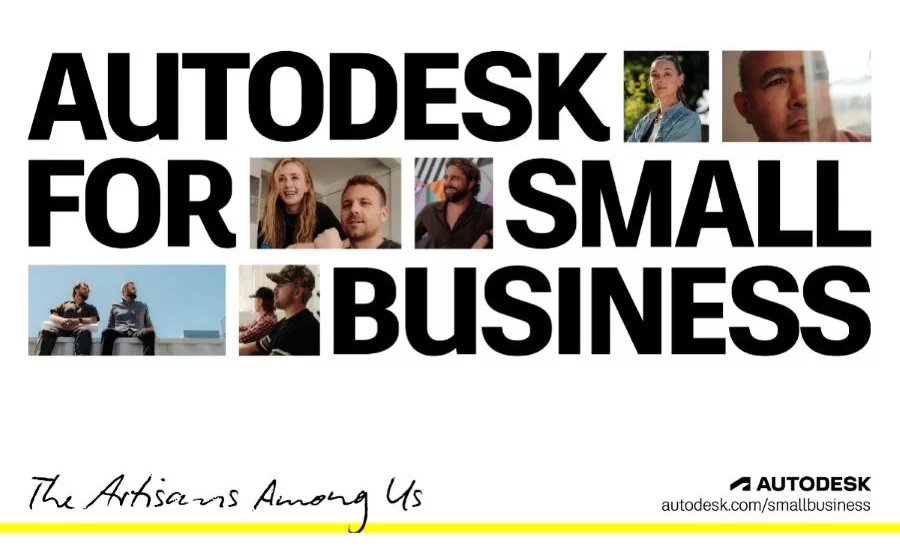
Autodesk has introduced a new division for small business users after research showed a large number of AEC professionals either having started or starting small businesses.
Earlier this month Autodesk launched Autodesk for Small Business, which will focus on entrepreneurs and small firms.
More than one-third of the workforce now operates as freelancers or contractors, and nearly one in five professionals are considering starting their own business this year, according to research Autodesk did on its own user base.
Autodesk and partner GlobalData surveyed 1,881 U.S.-based professionals and small business owners across architecture, engineering, construction, product design, manufacturing, media and entertainment to assess sentiment, challenges and opportunities for the survey.
In its "State of Small Business" report, the software giant found that 18% designs and makers say they're considering starting their own business in 2026, 6% higher than the broader small business economy, and more than three times the share who actually did so in 2025. It also found the fastest-growing corner of small business are solo and micro designers and makers, a segment that grew nearly 10% in 2025—almost 35% faster than the rest of the small business economy.
Yet the study also found that teams are doing high-impact work with limited time, resources, and support. Eighty percent say they struggle to balance running their business with doing the actual work.
To better serve small businesses, Autodesk's launched a small business hub with resources for small businesses, including discounted versions of AutoCAD and Fusion. This change will be Autodesk's first in shifting how it works with small enterprises. For small businesses in the AEC markets, Autodesk is offering a bundle of AutoCAD, Revit, Civil 3D and Forma Site Design in a single package at a discounted subscription rate.
Looking for quick answers on construction and engineering topics?
Try Ask ENR, our new smart AI search tool.
Ask ENR →